| Having trouble reading this mail? View as a Webpage | |||||||||||||||||||||||||||||||||||||||||||||
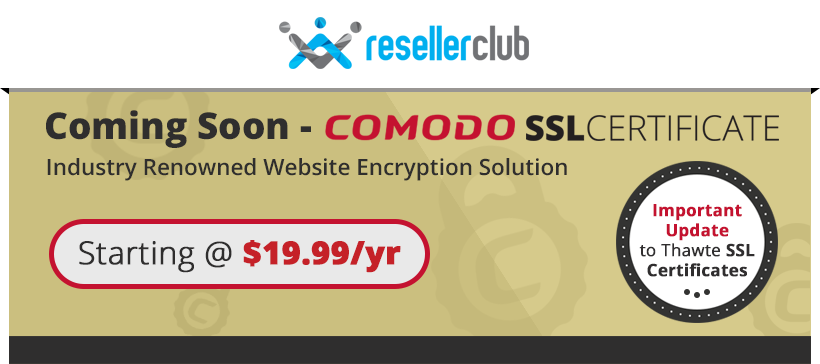
Coming Soon - Comodo SSL CertificatesWe are pleased to announce yet another upgrade to our suite of Security Products. In January 2015, we will be integrating ‘Comodo SSL’ and discontinuing the sale of Thawte SSL Certificates. Comodo is recognized Industry-Wide as a leader in Website Security and Comodo's SSL certificates support up to 256-bit encryption at great prices! Read on to find out more about Comodo SSL Certificates and the system changes we will be performing to integrate this product. Why Comodo SSL Certificates?We’re constantly looking at upgrading our product suite keeping in mind the changing needs of the Industry. As cyber-security threats become more and more pervasive, Comodo’s offers the perfect mix of advanced security, extensive browser support, great reputation and unbeatable prices! Refer to the table below for a list of Plans & Pricing. Plans & Prices
* Please Note: Comodo EV SSL will be integrated in the second phase of launch. Important: SuperSite and API users, please make note of the following We will be making a host of SuperSite & API Changes to deprecate Thawte SSL certificates & Integrate Comodo. Please note that the Knowledgebase is the authoritative source and reference for API calls and the document provided below is for your convenience to start preparing your website ahead of the actual product launch that is tentatively scheduled for the second week of January. The knowledgebase will be accessible to you after the Signups are completed. API Changes Please refer to this document for the list of API Changes. SuperSite Changes Please stay tuned to our emails for more information about changes to your Supersite closer to the launch. Please note that the Supersite changes we will be implementing will not conflict with your existing code or modifications, as we will be adding a new page to the Supersite. What Happens to Existing Thawte Certificates under your Account?
We are trying to provide an overlap period for the sale of Thawte as well as Comodo SSL Certificates, to enable ease of migration. please stay tuned to our emails for exact launch timelines and further details. If you require more information about this email, please feel free to get in touch with us. Regards,
|
|||||||||||||||||||||||||||||||||||||||||||||
|
|||||||||||||||||||||||||||||||||||||||||||||
|
|||||||||||||||||||||||||||||||||||||||||||||